
Stop Surprise Churn: 5 Phase Data Mapping for RevOps and CS


Data mapping for CS means connecting product usage, billing, CRM, and support data to the fields your customer success platform actually uses, so health scores, churn prediction, and playbooks work on accurate information. The first move is practical: pick or create one canonical internal customer ID and store it in metadata across every connected system. This article walks through the sources to prioritize, how to build a reliable golden record, and a rollout checklist with common pitfalls to avoid.
TL;DR:
- Building a reliable golden record depends on resolving each account to one canonical internal customer ID, stored consistently across all systems.
- Using system IDs first, then email domain, and finally fuzzy company name matching with manual review minimizes mismatches during data reconciliation.
- Normalizing signals into subscores and applying appropriate weights improves churn prediction accuracy, with overrides for critical events like payment failures.
- Regular reconciliation checks, sample spot tests, and ownership of data quality help prevent common issues like duplicates and regional mismatches from affecting health scores.
- Automated solutions like CustomerScore.io can streamline mapping by integrating data sources and reducing manual reconciliation effort.
Table of Contents
- How do you reconcile identifiers and build a golden record?
- Mapping fields that feed health scores and churn models
- Data quality checks, common pitfalls, and verification steps
- Operational rollout checklist and realistic timeline
- Mapping as the operational foundation for predictable retention
- How CustomerScore.io Turns Mapping Into a Turnkey Process
- Authoritative docs and guides referenced
- Sources
- FAQ
How do you reconcile identifiers and build a golden record?
A golden record is only as good as the ID strategy behind it. Every account should resolve to one canonical internal customer ID, and that ID needs to live everywhere, not just in your CS platform's database.
Stripe's own documentation on the Customer resource recommends storing your internal application customer ID as a key-value pair in the Customer object's metadata field specifically so it can be searched and audited later. That single habit removes a large share of the manual matching work RevOps teams otherwise do by hand.
- Match on system IDs first: Stripe customer ID, Salesforce account ID, product org ID.
- Fall back to email domain matching when a system ID is missing or unreliable.
- Use company name plus fuzzy matching as a last resort, and flag those matches for manual review.
- Log every mismatch in a review queue rather than silently dropping or guessing.
Conflict resolution needs rules, not judgment calls made in the moment. Decide in advance which system is the source of truth for each field (billing usually wins on contract dates, CRM usually wins on ownership), keep a versioned audit trail of changes, and build a merge or undo path for when two accounts turn out to be the same customer.
Pro Tip: Run your matching logic against a sample of 50 known accounts before trusting it on the full base. Mismatches tend to cluster around renamed companies and shared email domains.
Mapping fields that feed health scores and churn models
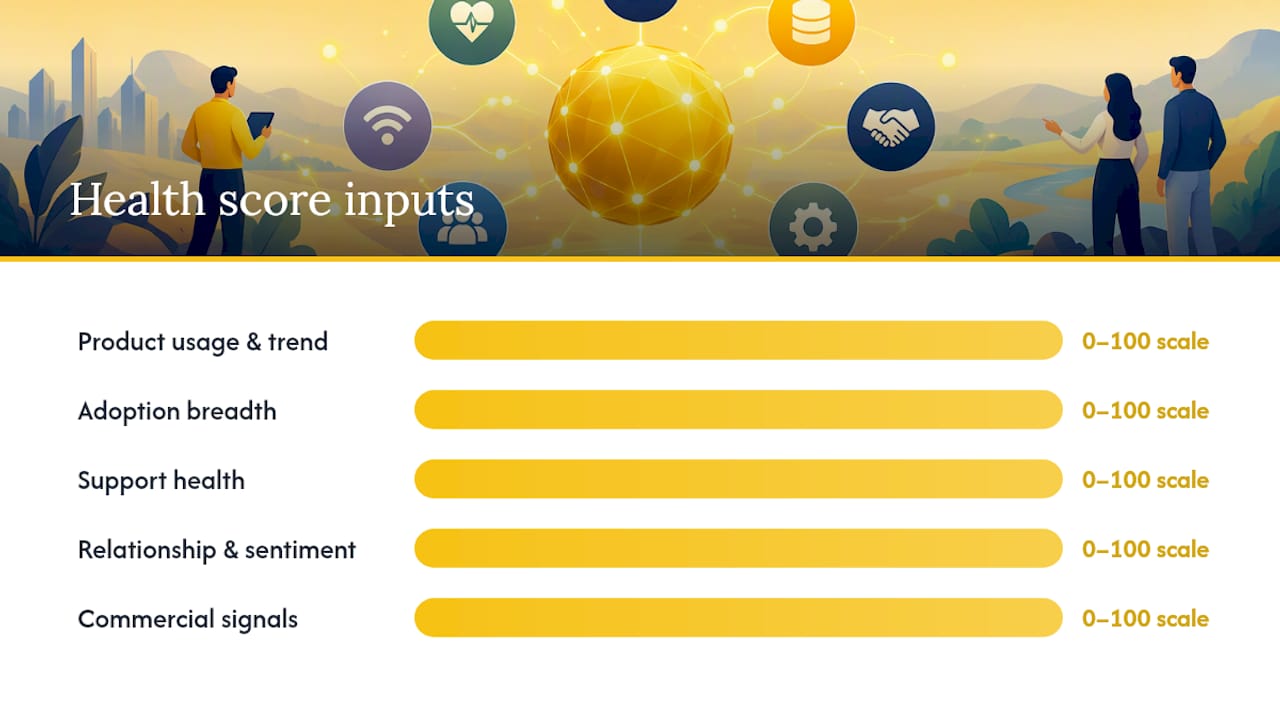
Raw data does not generate a health score. It has to be normalized into subscores your platform can weight and combine. Guidance from Basedash's health score methodology groups signals into five categories: product usage and trend, adoption breadth, support health, relationship and sentiment, and commercial signals.
Each category maps to specific derived fields, not just raw counts:
- Usage trend: percentage change in active usage over the last 30 to 90 days, not a single snapshot
- Adoption breadth: ratio of activated seats to licensed seats
- Support health: count of unresolved high-severity tickets
- Commercial risk: days to renewal and any payment failure flag
- Relationship signal: most recent NPS or CSAT response and its recency
A usage trend typically predicts churn more reliably than a point-in-time usage count, according to Basedash's methodology guide, which is why the derived trend field matters more than the raw event log it comes from.
The same guidance recommends normalizing each subscore to a 0 to 100 scale, applying weights that reflect what actually predicts churn for your business, and layering in hard overrides for events too critical to average away, like a failed payment or a canceled executive sponsor contract. Overrides matter because averaging can bury a five-alarm signal inside an otherwise healthy score, and that is exactly the kind of miss that erodes a CSM's trust in the whole system.
Data quality checks, common pitfalls, and verification steps
Most mapping failures are not exotic. They are duplicate accounts, currency mismatches between regions, contact records missing role tags, historical events that never got backfilled, and timestamps recorded in different time zones or granularities across systems.
Catching these before they reach a health score takes a few repeatable checks:
- Run a matched-rate reconciliation report weekly to see what percentage of records join cleanly across sources.
- Spot-check a rotating sample of accounts by hand, especially ones flagged as high risk.
- Backtest new health score logic against known churn and renewal outcomes before turning it on for the full base.
- Set heartbeat alerts so a silent sync failure gets caught in hours, not weeks.
Ownership matters as much as tooling. Someone on RevOps or CS Ops needs to be the named owner of reconciliation fixes, or drift creeps back in within a quarter.
Pro Tip: Build a simple reconciliation dashboard that shows match rate by source. A sudden drop is almost always a broken integration, not a data problem.
Operational rollout checklist and realistic timeline
Mapping is a project with phases, not a single sprint. Treat it that way and the rollout stays predictable.
- Audit: RevOps and CS Ops review CRM and billing data for duplicates and naming inconsistencies before anything gets synced.
- Canonical ID and design: Engineering defines the internal customer ID and where it lives in metadata across each system.
- Historical ingest: Pull in the recommended windows, roughly 6 to 12 months of usage and 12 months of billing and support history, per BuildBetter's guidance.
- Reconciliation and validation: Run matched-rate reports and backtest health scores against known outcomes.
- Production sync and monitoring: Turn on live syncing with heartbeat alerts and a named owner for ongoing fixes.
- Small teams often move through all five phases in a few weeks with a lean stack.
- Mid-market companies with more source systems typically need longer for the audit and reconciliation phases.
- Enterprise rollouts usually require a longer validation period given the number of integrations and stakeholders involved.
Go-live should hinge on a clear acceptance test: matched rates above an agreed threshold, backtested scores that align with known churn history, and no unresolved high-severity mismatches in the review queue.
Mapping as the operational foundation for predictable retention
Most teams treat data mapping as a one-time setup task before the "real" CS work starts. That is backward. Mapping is ongoing operations, and the accounts that drift out of sync are usually the ones that surprise you with a churn event nobody saw coming.
Before investing in more advanced churn models, get the mapping disciplined enough that a CSM trusts the score in front of them. Explainability earns adoption. A sophisticated model nobody trusts gets ignored, and an ignored score is worse than no score at all.
— Patrik
How CustomerScore.io Turns Mapping Into a Turnkey Process
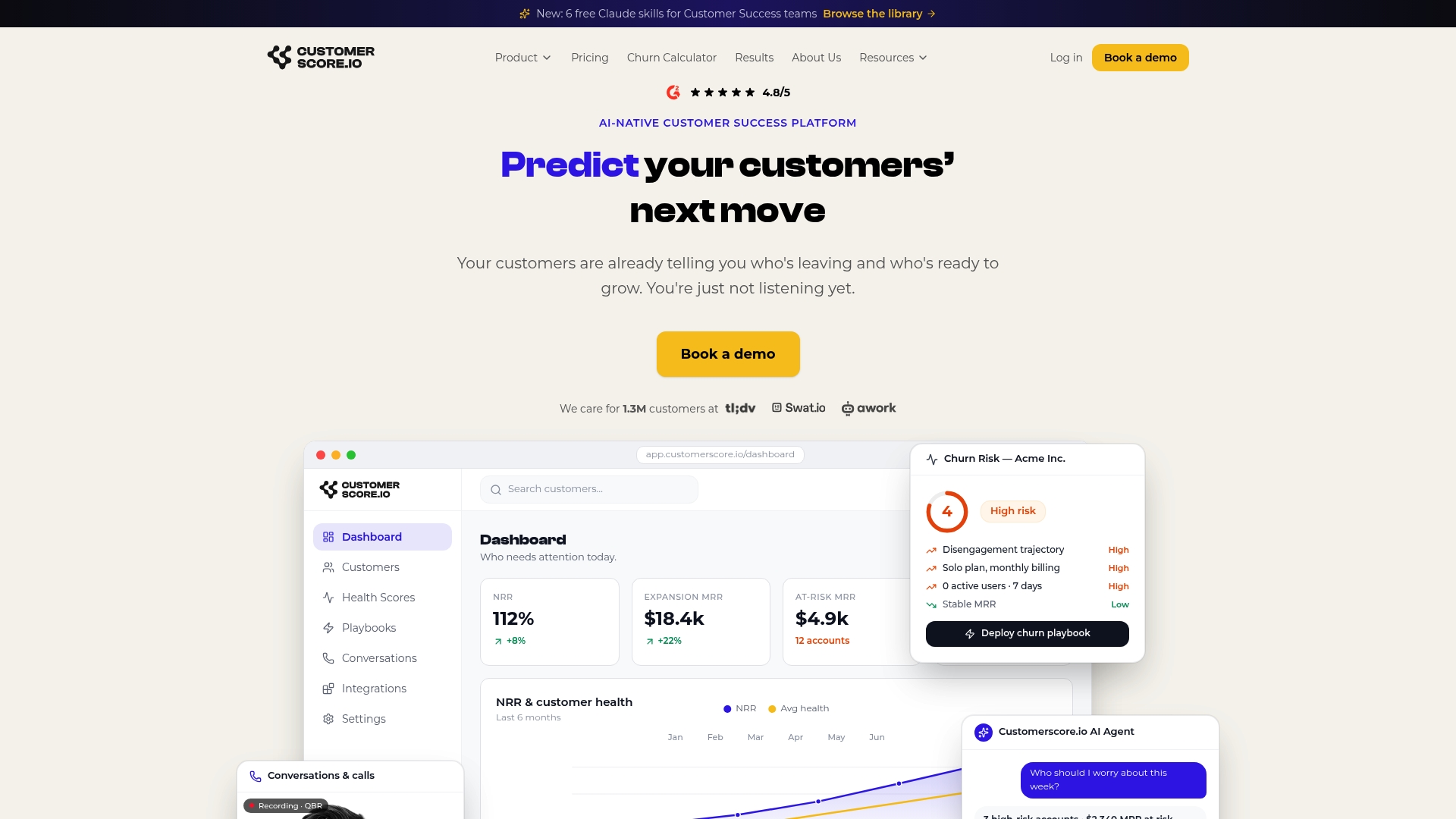
If you would rather not build this reconciliation logic from scratch, CustomerScore.io's Customer 360 Data Model connects product, billing, CRM, and support data into one unified account view, with the matching and metadata handling described above built in rather than assembled by hand.
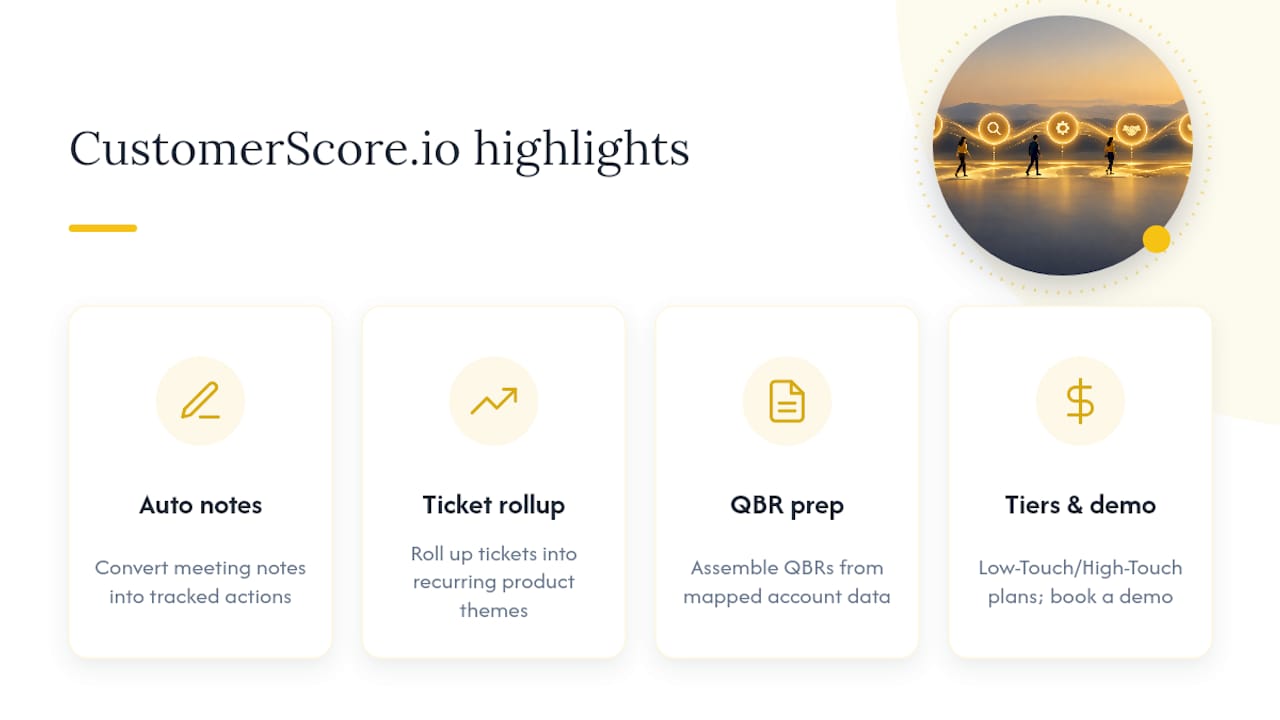
Some capabilities that can cut manual work further include automatic conversion of meeting notes into tracked action items, rolling up support tickets into recurring product themes without manual tagging, and assembling QBR prep from mapped account data rather than spreadsheets.
Customerscore charges a flat platform fee tiered by your client ARR rather than per seat, with a quote in one call. If you want to see how the mapping and scoring work, you can book a demo.
Authoritative docs and guides referenced
This article draws on Stripe's Customer resource documentation for metadata practices, Basedash's health score methodology for signal weighting, Segment's deletion and suppression API for regulation handling, and BuildBetter's customer health use case for historical data windows. For broader retention tactics that complement a clean data foundation, see Babylovegrowth's guide to customer retention.
Sources
Not every field in your stack deserves a place in your CS platform. Start with the sources that directly power health scoring and churn signals, and resist the urge to import everything on day one.
Four sources cover most of the ground: CRM for account and contact structure, billing for revenue and contract terms, product usage for engagement, and support for friction signals. Surveys like NPS and CSAT add a sentiment layer once the core is stable.
- Stripe Billing: Customer
- How to build a customer health score | Basedash
- Segment Public API: Deletion and Suppression
For historical depth, implementation guidance from BuildBetter's customer health documentation recommends importing several months of product usage and roughly a year of billing and support history as a baseline. That window is usually enough to establish a trend line without pulling in stale, irrelevant data from a company's early, chaotic months.
FAQ
What is data mapping for customer success?
Data mapping for CS is the process of connecting product usage, billing, CRM, and support data to the fields a customer success platform needs for health scores, churn prediction, and playbooks. It starts with a canonical internal customer ID stored consistently across systems.
How much historical data should I import when mapping?
A common baseline is 6 to 12 months of product usage data and 12 months of billing and support history, according to BuildBetter's implementation guidance. Shorter windows tend to miss trend signals, while much longer windows often pull in outdated account behavior.
Where should I store my internal customer ID for billing systems?
Stripe recommends storing your internal application customer ID as metadata on the Customer resource, which keeps it searchable and auditable. This makes cross-system matching with your CRM and CS platform far more reliable than name or email matching alone.
What are the most common data mapping pitfalls in CS?
Duplicate accounts, currency mismatches, incomplete contact roles, and missing historical events are the most frequent issues teams run into. Regular reconciliation reports and spot checks on sample accounts catch most of these before they distort a health score.
Does CustomerScore.io handle data mapping automatically?
CustomerScore.io's Customer 360 Data Model is built to unify product, billing, CRM, and support data into one account view, reducing the manual reconciliation work described in this article. Plan details are available on the pricing page.
Recommended
Related articles
Cut CSM Intervention 18%: Predictive Playbooks for CS & RevOps
Cut CSM Intervention 18%: Predictive Playbooks for CS & RevOps ! Predictive playbook geometric title card Predictive playbooks link a churn prediction to a specific, repeatable action so customer
BlogPinpoint B2B SaaS Adoption Gaps and the Fix That Lifts Renewal
Pinpoint B2B SaaS Adoption Gaps and the Fix That Lifts Renewal ! Analysts reviewing SaaS adoption gaps Adoption gap analysis identifies the funnel stage where eligible users or accounts fail to reach
BlogAnalysts: 6–12 Month Cohort Forecasts for Net Dollar Retention
Analysts: 6–12 Month Cohort Forecasts for Net Dollar Retention ! Analyst reviewing cohort retention forecast The most reliable way to forecast net dollar retention is cohort-based modeling that
BlogFix Data First: Prioritize CS Integrations With a 90 Day Pilot
Fix Data First: Prioritize CS Integrations With a 90 Day Pilot ! Engineer validating SaaS integration data Prioritize integrations that sharpen predictive signals and close the loop for CSMs, not the